

分类
标签



Cameron Nazemi
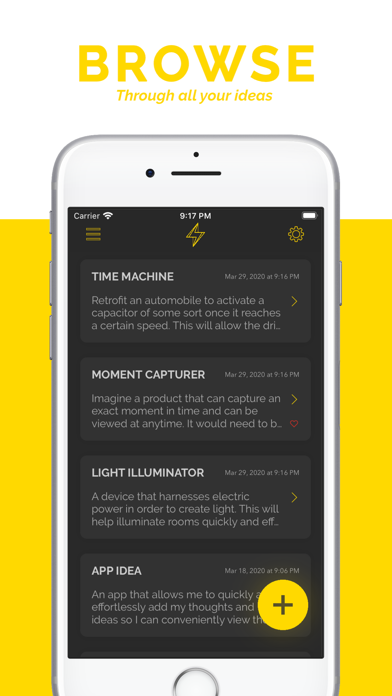
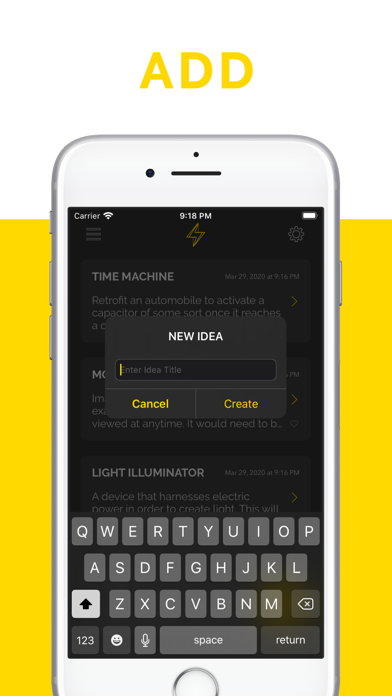
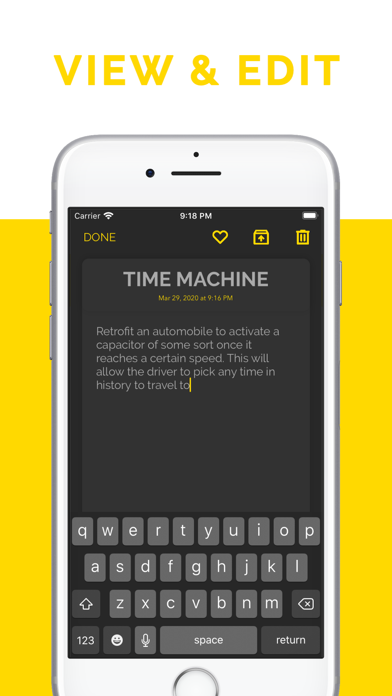
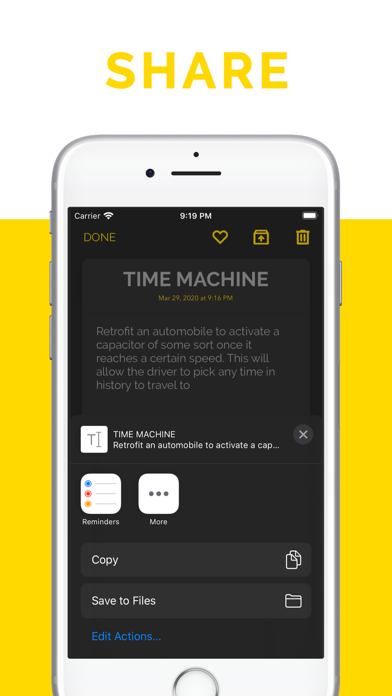
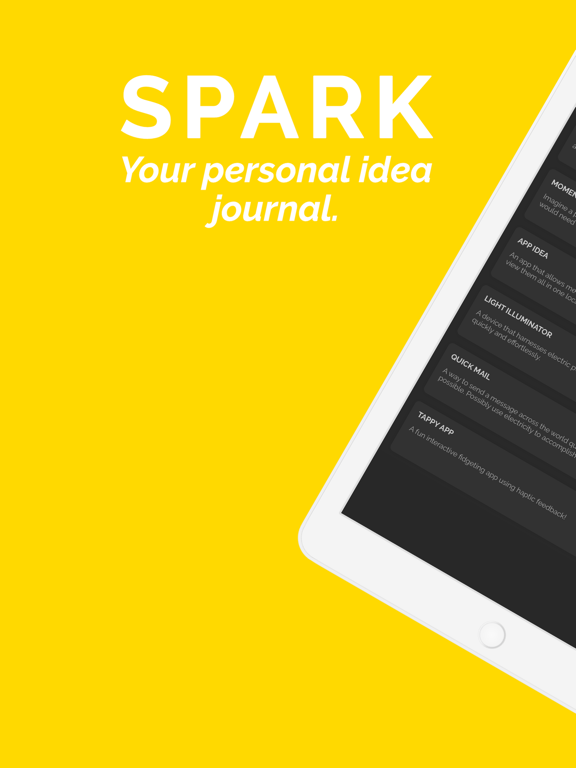
At Spark, we believe even the simplest idea has the potential to change the world. Our mission is to create an intuitive solution to store your ideas in one central location. Spark allows you to quickly add, edit, view, or share your innovative thoughts. ADD It's simple! Just click big yellow + in the bottom right to swiftly input your idea title, then in it'll take you to the idea view where you can input your full idea's description! Alternatively, hold down the Spark app icon on your device's home screen and press "New Idea" to quickly add an idea. A time stamp will be added to each idea indicating the moment you inputted it, when you update an idea, the time stamp will update as well. VIEW AND EDIT View your ideas either in a vertical or horizontal scroll using the toggle near the top left of the main idea page! Tap one of your brilliant ideas to view a larger, more elegant page displaying all details of your thought. To edit the title, just tap on the title letters and change it to whatever you like! To edit the idea description, simply tap on the texts to alter/ change and type to update it. Press "DONE" in the top left of the idea page to save all changes you've made! Editing an idea title or description will also update its time stamp as well. SEARCH Search through all of your ideas with the search bar at the top of the main idea view! The text you input in the search bar searches through the idea titles and idea descriptions to find the idea you're looking for! LIKE Tap on your favorite ideas and press in the heart in the top tool bar to like it! A red heart will appear in the main page if you've liked an idea. You can use a filter to view only liked ideas! FILTERS There are now filters to help sort your brilliant ideas. Having all filters deselected is the standard which will allow you to scroll through all your ideas in chronological order (newest first). Selecting "FILTER BY LIKED" will display only ideas that you have liked. Selecting "OLDEST FIRST" will display all ideas from oldest first, meaning each new entry or updated idea will be placed at the bottom. Selecting "TITLE A-Z" will sort by your idea title's in alphabetical order. More ways to sort your idea's coming soon! SHARE In the idea viewing and editing mode, tap on the top right share icon to share your idea title and description. Alternatively, swipe left on an idea and tap the share icon to share the description of your idea.. Use the share button to copy any of your ideas to paste elsewhere, forward ideas through messages or email, and post an idea to social media! DELETE Tap on an idea and press the trash icon on the top tool bar to delete any idea. Alternatively, simply swipe left on an idea on the main screen and tap the yellow trash icon. MORE FEATURES Dark Mode! Click the top left menu to enable or disable dark mode. Export all: Tap "Export All Ideas" to export all the ideas you've made on Spark. *If you delete the Spark app all of your ideas will be deleted as well, use the "Export All" feature before deletion to save your incredible ideas elsewhere* Add your first name: In settings you will find "Change Name" which you can input your first name to have a more personalized experience throughout Spark. Total idea count at bottom of idea view. Themes: Coming soon. More features to come (such as drawing)! SOCIAL Email: SparkJournalApp@gmail.com Facebook: @SparkJournalApp Instagram: @SparkJournalApp Twitter: @SparkJournalApp