

分类
标签



Tyler Sherman
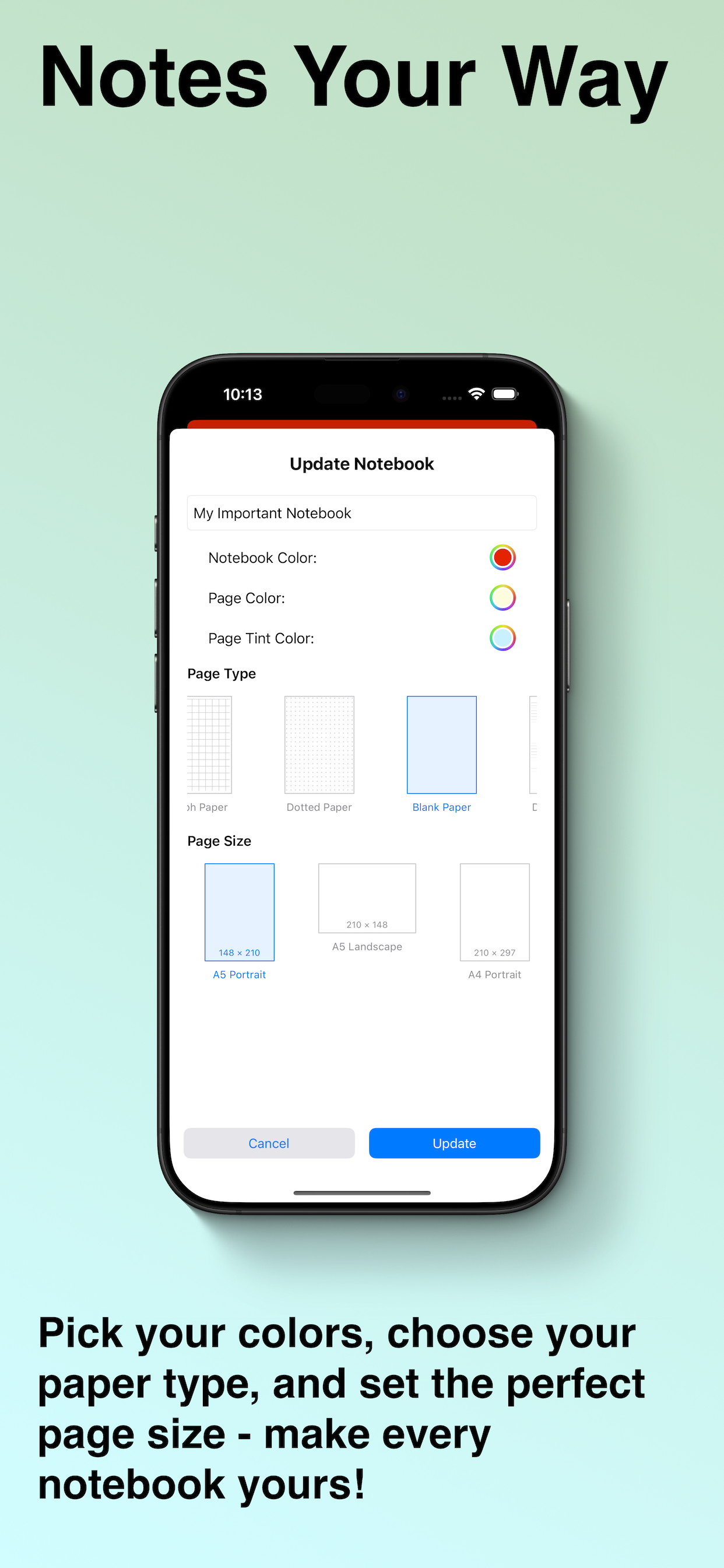
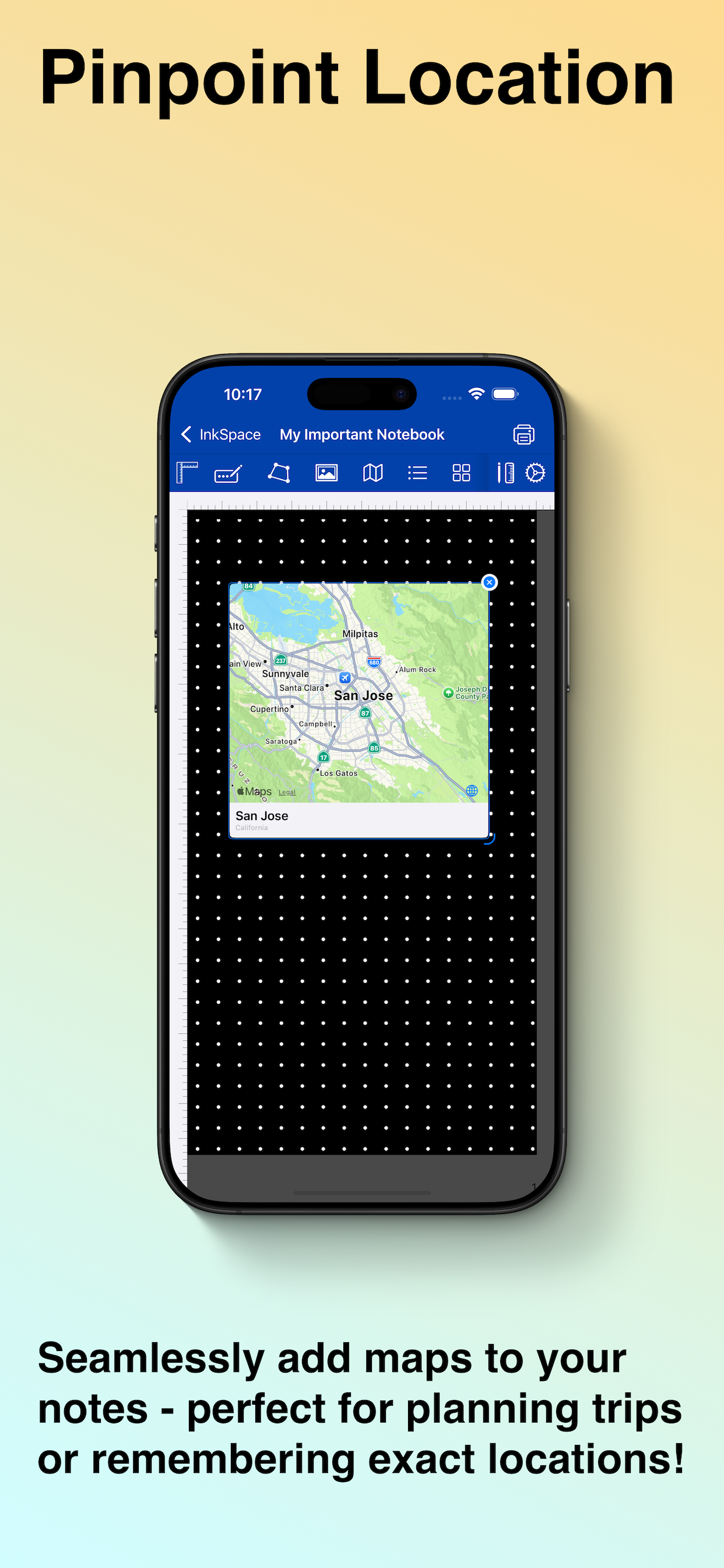
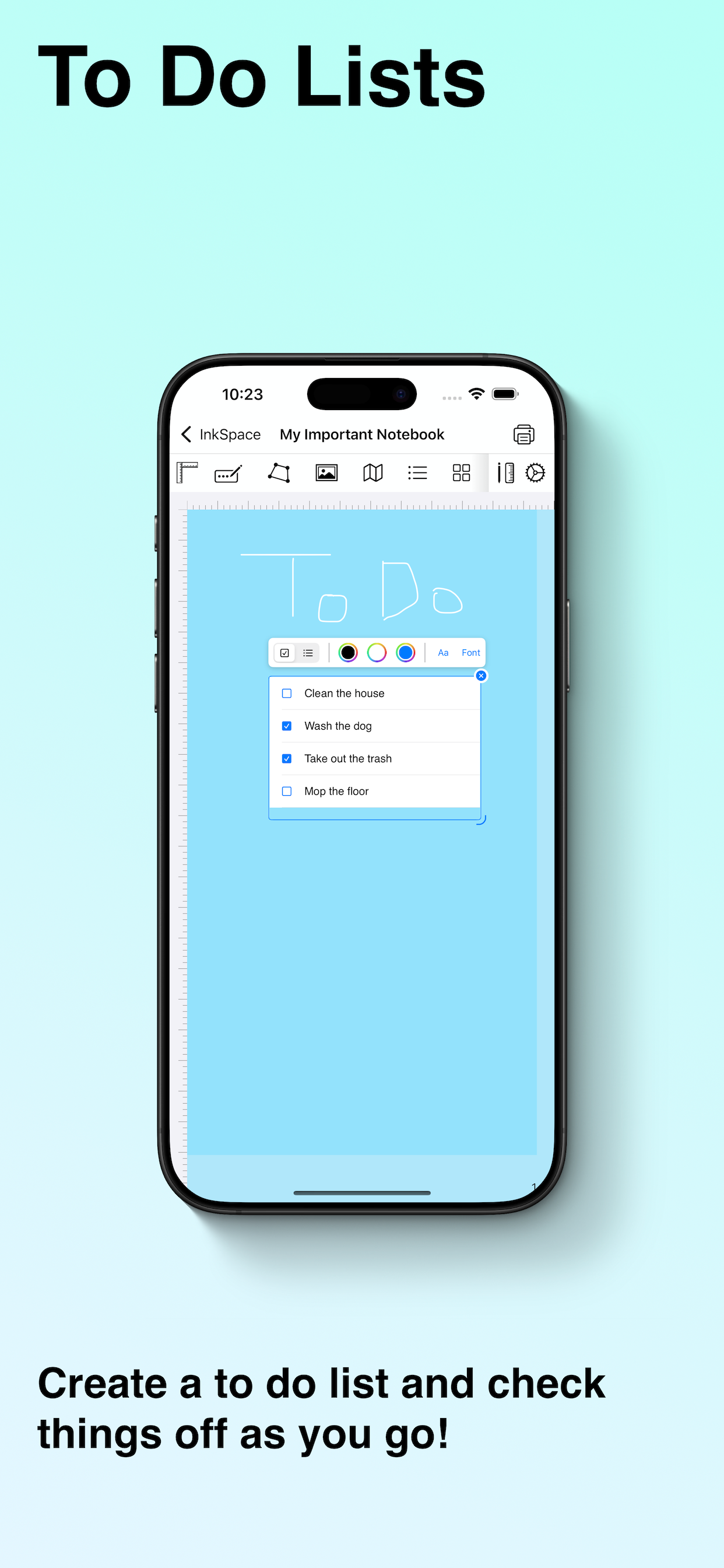
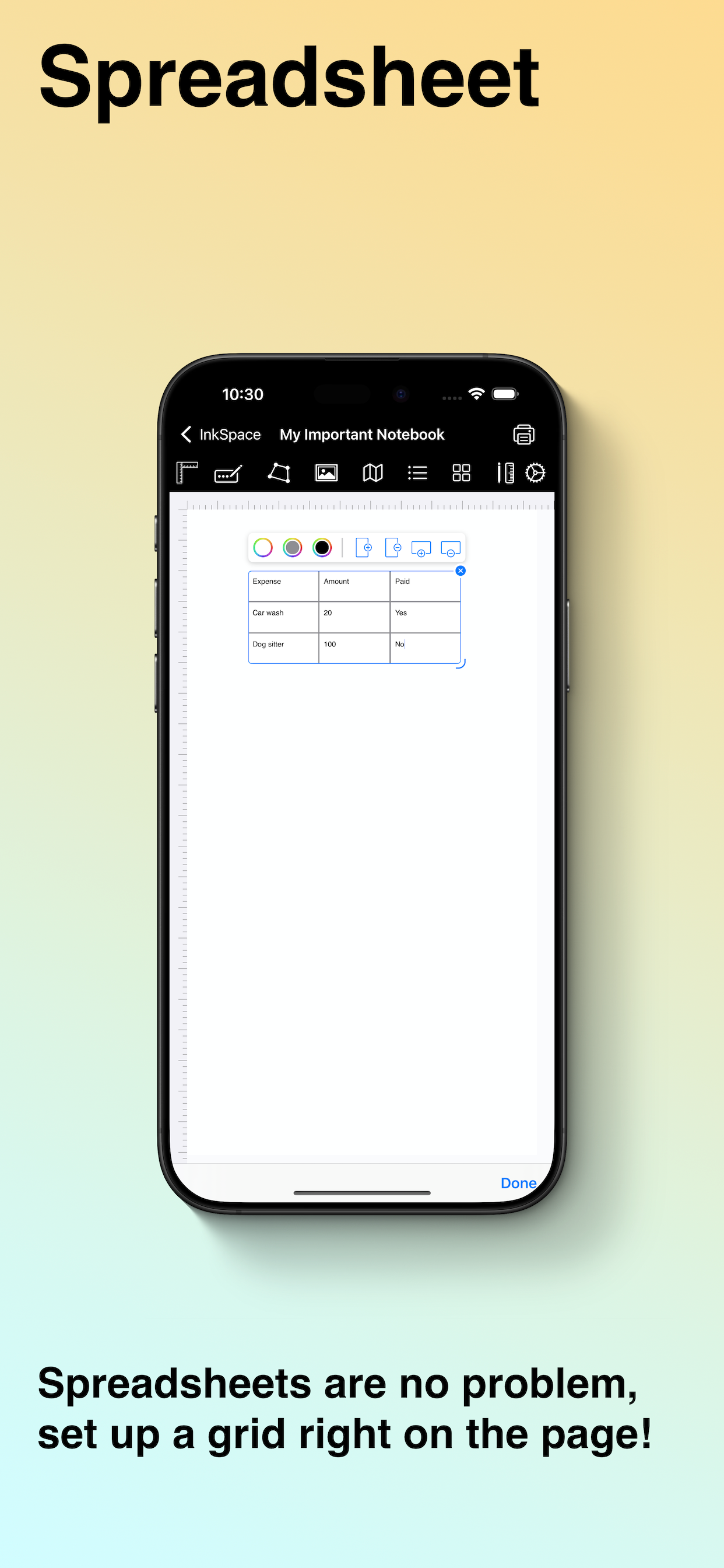
The all-in-one notebook for handwriting, typing, PDFs, math, diagrams, and more. Built for students who want to learn faster and professionals who want to work smarter. Take handwritten notes with Apple Pencil, mark up PDFs, sketch diagrams, solve equations, record lectures, and keep every notebook in sync across your devices. InkSpace brings your ideas, coursework, and projects together in one powerful, beautifully organized space. Write and draw naturally Capture notes in your own handwriting with full Apple Pencil support and smooth, responsive ink. Type instead if you prefer, with a full font picker and control over size, color, bold, italic, underline, and alignment. Add horizontal and vertical rulers to keep your work precise. Choose the perfect page Start on college ruled, wide ruled, graph, dotted, or blank paper, and pick the page size that fits your workflow, including A4, A5, and B5 in both portrait and landscape, plus custom sizes. Personalize everything with custom notebook and page colors, backgrounds, and tints. Templates for every purpose Jump straight into ready-made template packs designed for real life: Planner templates for daily planning and scheduling Journal templates for reflection and journaling Fitness templates for workouts and tracking Teaching templates for lesson planning and classes Finance and trading templates for money and markets Handwriting and calendar templates for practice and organization Want something truly your own? Build and save custom templates so your favorite layouts are always one tap away. Find anything instantly InkSpace reads your handwriting and makes it searchable. Search across every notebook to instantly surface handwritten notes, typed text, sticky notes, code blocks, list items, and tags. Spotlight integration lets you find notes right from the Home Screen, and Siri Shortcuts let you create, open, and search notes hands-free. Work smarter with rich, interactive objects Drop live tools straight onto your page and move them anywhere you like: Math equations with LaTeX and automatic formatting from everyday notation Calculator with named variables, unit and currency conversion, and financial functions like PMT, FV, and PV Charts with a built-in data editor and multiple chart types Function graphs for visualizing equations Code blocks with syntax highlighting for Swift, Python, JavaScript, TypeScript, Java, C, C++, Go, Rust, Ruby, Kotlin, PHP, SQL, Bash, and HTML Audio recordings to capture lectures and meetings alongside your notes Images, maps, and 3D models embedded directly on your pages Tables and grids with fully editable cells Checklists and lists with bullets, numbers, and checkboxes Sticky notes and shapes to structure and highlight your thinking Build diagrams and connect ideas Create flowcharts, mind maps, and org-style diagrams by linking shapes, text, and sticky notes with clean connectors and arrows, using both straight and elbow routing. Explore ideas without limits using infinite zoom and fractal canvas modes that give you endless room to think. Organize everything your way Group your work into color-coded notebooks, bookmark important notebooks and pages, and tag pages for fast filtering. Connect related notes with cross-notebook page links that preview inline, and add hyperlinks to jump anywhere. Import PDFs to read and reference, attach files to your notebooks, and export your pages when it is time to share. Sync securely with iCloud Your notebooks stay up to date on every device with iCloud sync, so your notes are always with you, whether you switch from iPad to iPhone in class or between meetings. Perfect for Students: lecture notes, handwritten study guides, math and science homework, searchable revision, recorded classes, and organized notebooks for every subject Professionals: meeting notes, project planning, flowcharts and diagrams, referenced PDFs, quick calculations, and reusable custom templates