

分类
标签



Carlos Savcic
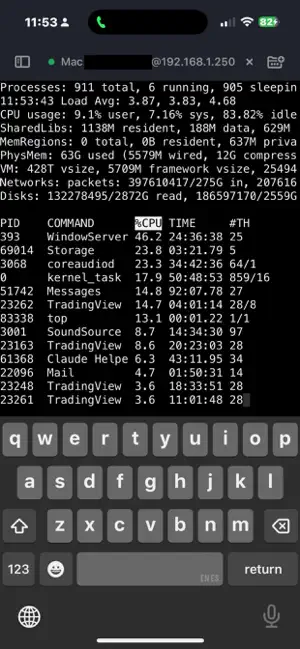
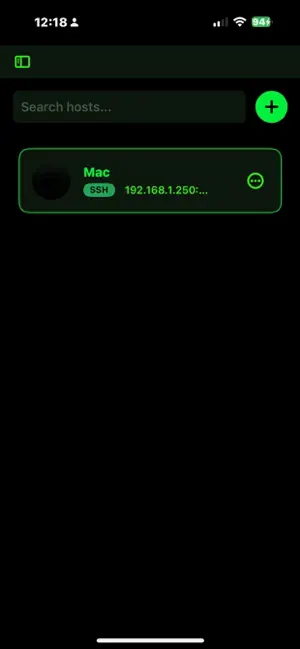
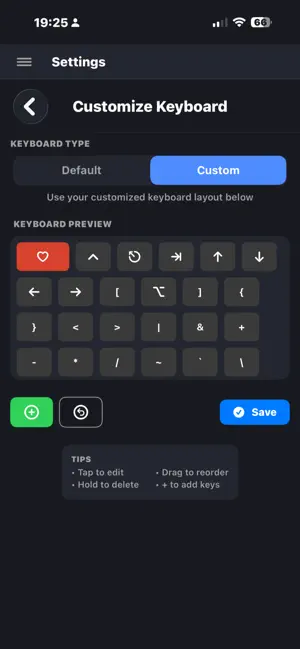
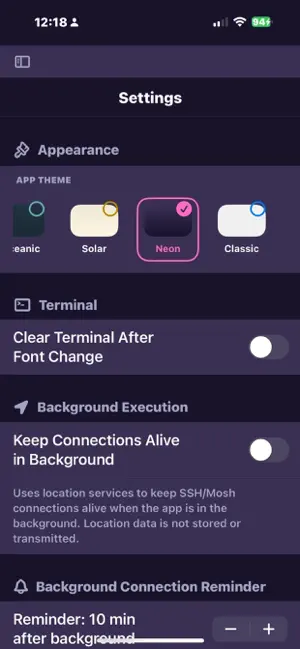
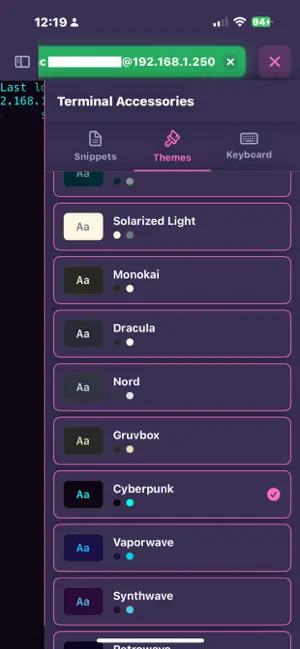
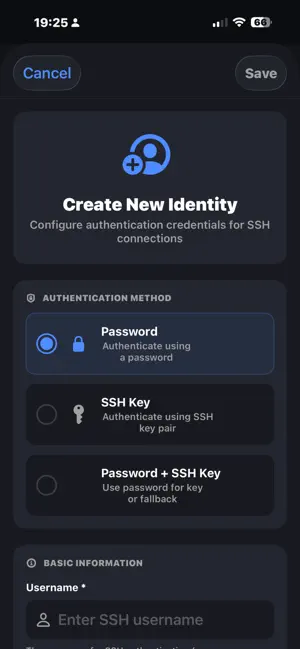
ShadowTerm is a full-featured SSH and Mosh terminal built natively for iPhone and iPad. Manage servers, debug code, and keep tmux sessions alive across networks with a desktop-quality terminal and a keyboard built for the work. KEY FEATURES Connections that survive SSH with passwords, SSH keys, and certificate authentication Mosh (Mobile Shell) for roaming connections that survive network drops, app backgrounding, and device sleep Smart port forwarding (local and remote) for secure tunneling Auto-connect on launch and geofence-based auto-connection Background connection monitoring with notifications and Live Activities Terminal experience Native SwiftTerm with xterm-256 color compatibility First-class tmux and GNU screen support with detection Multi-window on iPadOS: open Terminal, Files, Monitor, Markdown, or Text Editor in their own windows Five terminal themes: Midnight, Oceanic, Solar, Neon, Classic Pinch-to-zoom font sizing and live cursor-tracked scrolling Custom keyboards built for terminals 14 built-in layouts: Tmux, Screen, Files, OpenCode, Productivity, DevOps, Git, Kubernetes, Python, Node.js, macOS, Database, Security, Terminal Classic Fully editable: drag-and-drop keys, custom snippets, sticky modifiers Adjustable double-tap window for Ctrl/Alt locking, with an interactive test pad in Settings Mic input bar for voice-to-text command entry Smart keyboard switching when tmux is detected SFTP and files Full SFTP browser with multi-select and bulk copy/move/delete Paste-to-upload: paste a screenshot, image, or file into the input bar to SFTP it straight to your server Built-in text editor with syntax highlighting and undo/redo Live Markdown preview Transfer progress HUD with tap-to-copy destination paths Per-host startup snippets that auto-run on connect AI command helper OpenAI (GPT-4o Mini), Anthropic (Claude 3.5 Haiku), Google Gemini (2.0 Flash), Ollama (local), OpenRouter Inline AI assistant in the text editor with chat-style refinement Safety validator blocks fork bombs, rm -rf /, and similar dangerous patterns before they ever leave your device Claude Code remote control ntfy.sh-based notification polling for Claude Code permission requests Approve or deny remote agent actions from your iPhone or iPad Session templates for repeatable workflows Live server monitoring CPU, memory, network, filesystem, disk I/O Nvidia GPU monitoring when available Reads /proc directly for accurate, low-overhead metrics Background updates with optional notifications Productivity Snippet library with batch execution Recent connections with one-tap reconnect Quick Actions on the app icon iOS widgets for server status and recent hosts Searchable Settings with auto-expand and live-tunable preferences Universal clipboard sync iCloud and privacy CloudKit sync across devices for machines, identities, snippets, port forwards, keyboard layouts, and settings Encrypted credential storage in iOS Keychain All AI requests use your own API keys, or run fully local with Ollama No telemetry, no analytics, no data collection ShadowTerm is built by a developer who lives in tmux on iPad. Every keyboard layout, every gesture, every detail comes from real terminal use. If you've fought with mobile SSH apps that disconnect, lose your prompt, or feel cramped on small screens, this one will feel different.