

分类
标签



Wolfram Wacker
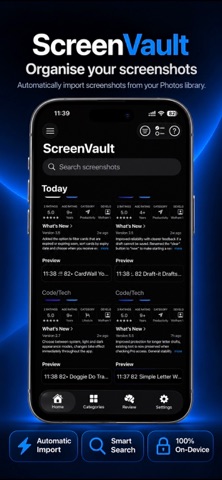
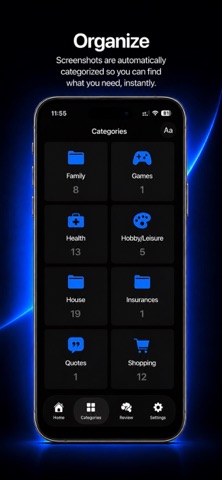
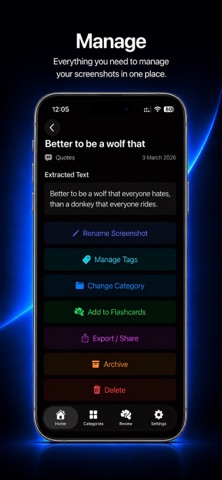
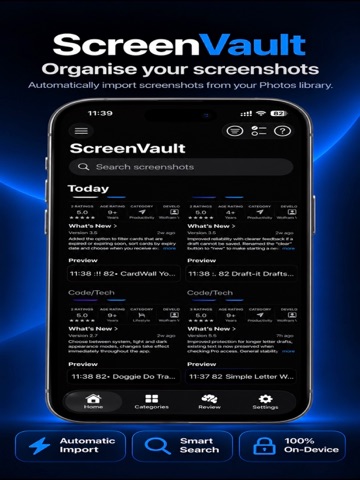
ScreenVault helps you turn a cluttered screenshot library into an organized, searchable personal archive. The app scans your screenshots, extracts text with on-device OCR and organizes them into useful categories such as recipes, shopping, travel, bills, health, ideas, events and more. You can search by extracted text, title or tags, review important screenshots as flashcards, archive items you want to keep out of the main feed and clean up screenshots safely when they are no longer needed. ScreenVault is designed with privacy in mind. Screenshot analysis happens on your device and your screenshots and extracted text stay private! ScreenVault Pro unlocks advanced workflow tools for larger screenshot libraries, including unlimited flashcards, custom titles, tags, custom categories, advanced filters, saved smart filters, batch actions, batch tag and title edits and bulk cleanup tools. Key Features: Automatically import screenshots from your photos library Extracts readable text from screenshots with OCR Organizes screenshots into smart categories Search by extracted text, screenshot title or tags Manually change categories when needed Mark important screenshots as flashcards for review Archive screenshots without deleting them Delete screenshots from ScreenVault or photos Export and share original screenshots Privacy-focused on-device processing ScreenVault Pro: Unlimited flashcards Custom screenshot titles Tags Custom categories Advanced filters by category, tag and date Saved smart filters for frequently used filter combinations Batch archive, delete and category changes Batch tag edits Batch title prefix and suffix edits Bulk cleanup tools, including deleting all items in the Deleted tab