

分类
标签



JAESIK YOUN
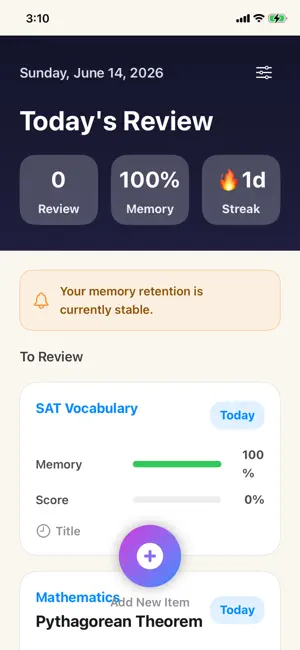
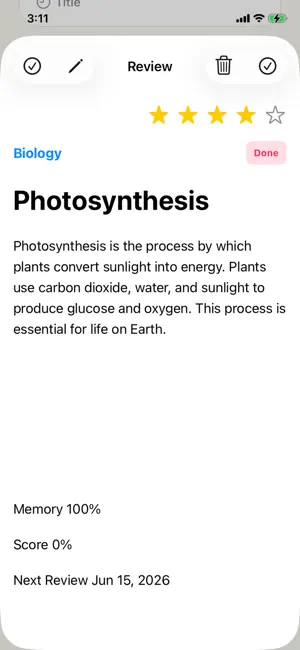
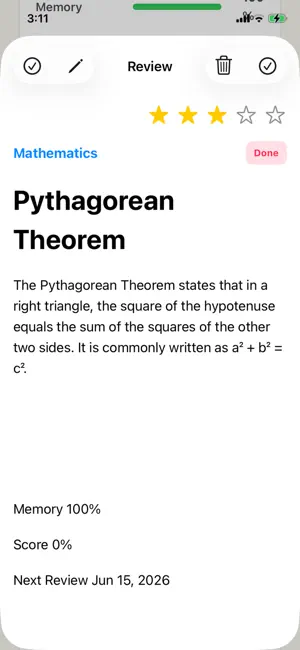
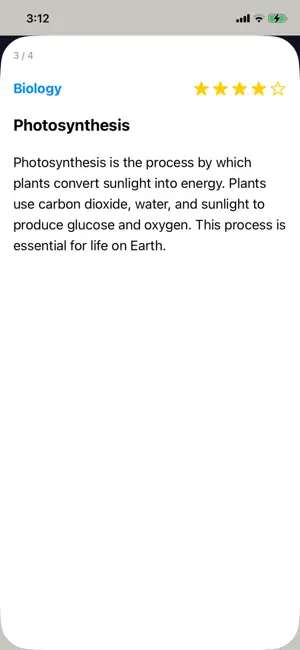
RecallNote is a study review app that helps you record, review, and retain what you have learned. Designed for both quick exam preparation and long-term memory retention. 1. Add a Review Item Tap the Add button at the bottom of the screen to create a new review item. You can enter a subject, title, and notes. You can also save study images if needed. The title is optional and can be left blank. 2. Subject Management You can register frequently used subjects in advance. When adding or editing review items, you can select an existing subject or enter a new one manually. 3. Memory Rate Memory Rate is a reference value calculated based on review history and elapsed time. After reviewing, the memory rate increases and gradually decreases over time. It indicates how likely you are to remember the studied content. 4. Achievement Score Achievement Score is calculated based on the number of completed reviews. The more you review, the higher your achievement score becomes, up to 100%. 5. Complete Review After reviewing the content, tap the Review Complete button to increase your review count and achievement score. The last review date is also saved and used to calculate the next review date. 6. Next Review Date The next review date is automatically calculated based on the number of completed reviews. As you review more frequently, the review interval becomes longer. 7. Importance Stars You can assign priority levels to important content using star ratings. Items with higher ratings are easier to focus on before an exam. 8. Edit and Delete Saved review items can be edited at any time. Unnecessary items can be deleted, but deleted items cannot be restored. 9. Exam Prep Mode RecallNote is designed to help you review quickly before an exam. You can review a specific subject or all subjects in sequence. Before an exam, quickly revisiting what you have already studied is often more effective than solving everything again. Swipe left or right on the review screen to move quickly between items. Select a subject and tap "Exam Prep" to review only that subject. Select "All" and tap "Exam Prep" to review all subjects in sequence. If images are included, you can zoom in and out using touch gestures to view notes, explanations, and study materials in detail. Use RecallNote for your final 5-minute review before entering the exam room. RecallNote helps you quickly recall what you have already studied. 10. Settings You can change the background theme color from the Settings menu. Available themes include Default (Navy), Sky Blue, Pink, Green, and Purple. 11. PDF Annotation (iPad) You can open PDF files and write directly on them using Apple Pencil on iPad. Highlight, annotate, and review your study materials in one place. The app also supports Greek, Dutch, Danish, Malay, Vietnamese, Norwegian (Bokmål), Indonesian, Traditional Chinese, Czech, Croatian, Thai, Turkish, Portuguese, Polish, and Hungarian. User manuals are available in all of these languages as well.